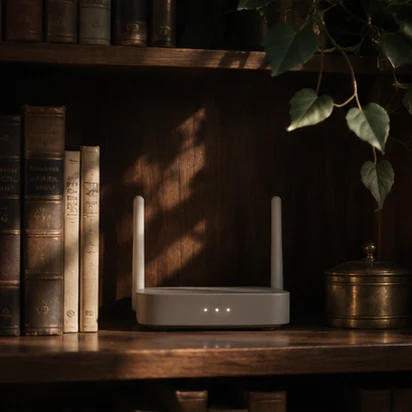
Start with the devices people depend on
A home may have a gate controller, cameras, guest Wi-Fi and a home office managed by different installers. With the network owner’s approval, we review router firmware and administrator access, disable unnecessary remote administration, and separate guest Wi-Fi where the equipment supports it. We coordinate with your installer on network dependencies and test the agreed functions with you after changes.
Should household cameras share the guest Wi-Fi network?
List which devices visitors need and which devices control the house. An installer can check whether the router separates guests from cameras, storage and the home office. Before changing the network, ask your installer which doorbell or alarm functions depend on it. Have the household or its installer verify those functions after the router changes.
Set the scope first
Identify the home network, devices and existing support arrangements. Agree which changes need an approved technical provider.
Prioritize follow-up
Document what needs updating, who can approve it and what should be checked after changes.
What changes when a supplier leaves?
A former installer may still have access to a camera dashboard or router account. Identify the owner of each account before changing access so the household can keep using the system. The residence hardening visit addresses equipment that needs an on-site review.